Start with what you saved.
Capture the text of a webpage and save it to your local collection as you browse.
For everything worth finding again.
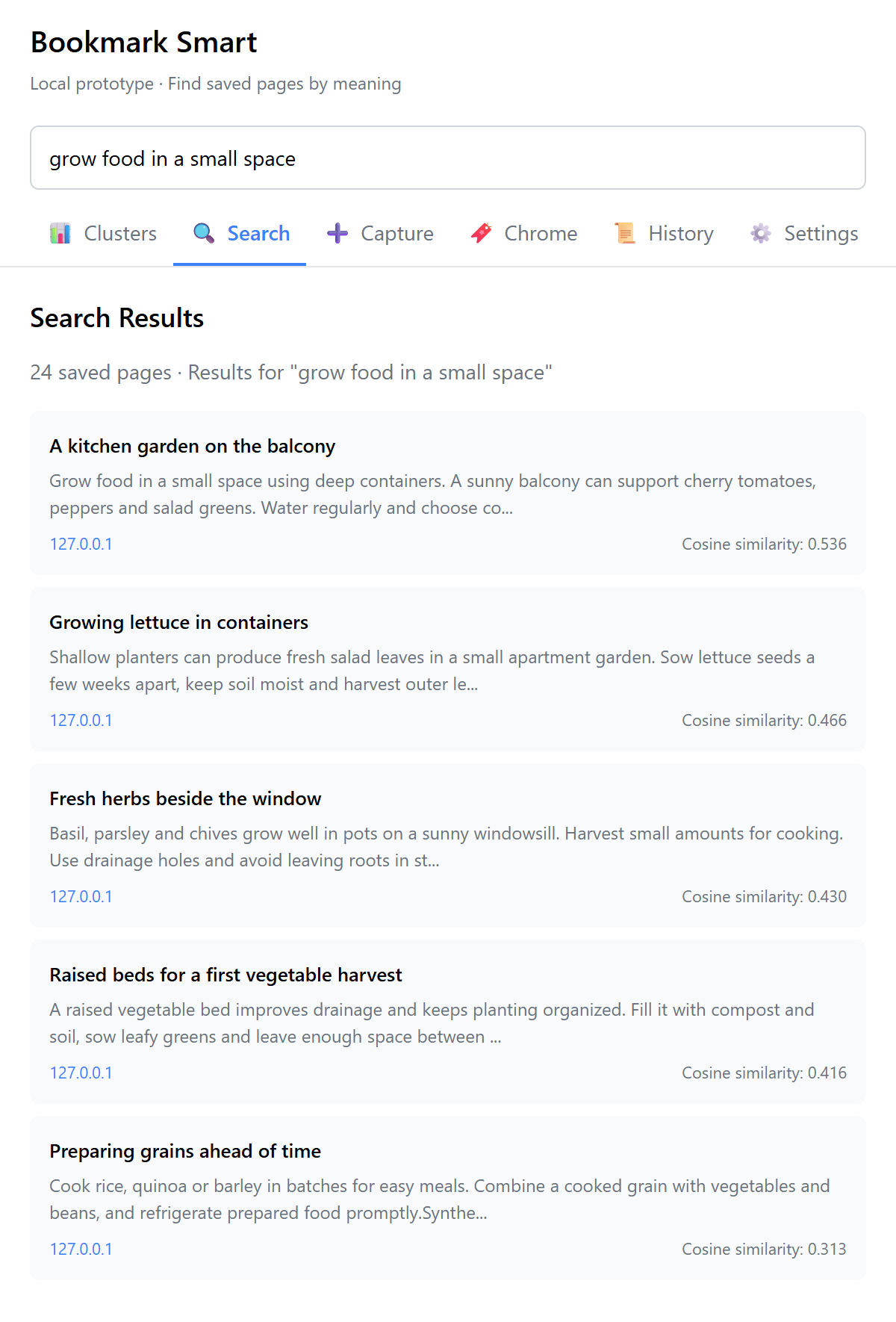
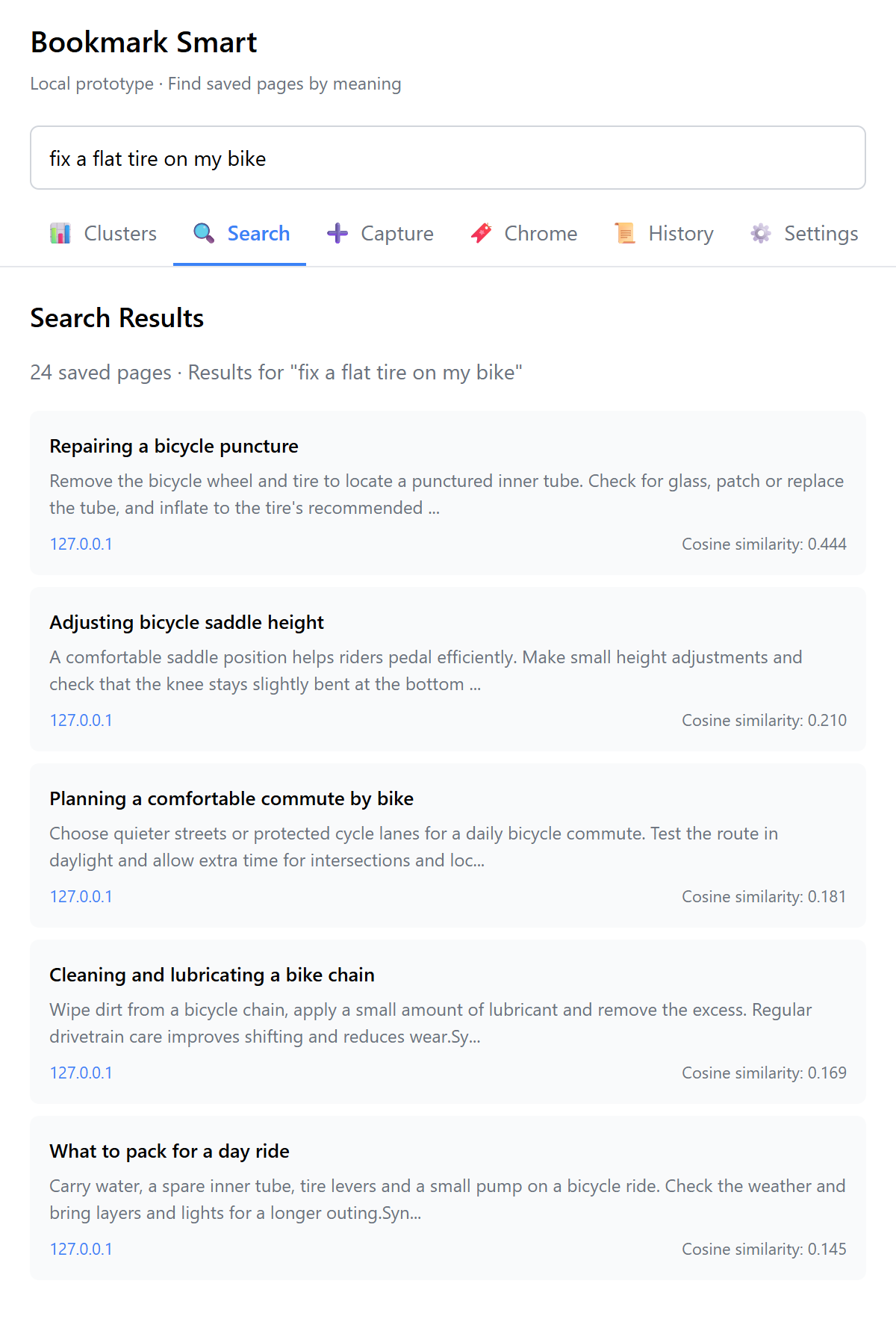
Save pages to a browser-local collection and find them by meaning. Bookmark Smart uses a small embedding model on your device to bring relevant pages back into view.
Less digging. More discovering.
Capture the text of a webpage and save it to your local collection as you browse.
Semantic search uses local embeddings to connect your query with related saved content.
Saved pages stay in your browser profile across restarts, ready for your next search.
An embedding model runs in your browser. Model files are downloaded and cached during setup; inference happens locally.
The everyday workflow
Save an ordinary webpage from the extension popup.
Describe the idea you want to find.
Reopen your browser and search your saved collection.
Thoughtful by design
Bookmark Smart uses embeddings to represent the meaning of saved content. A quantized sentence model runs locally through Transformers.js, while IndexedDB stores the collection. The first use downloads model files; subsequent searches run on your device.
Download the built extension from GitHub and install it manually in Chrome. This public preview focuses on page capture, semantic search, and a persistent local collection.
chrome://extensions, enable Developer mode, and select Load unpacked. Choose the folder containing manifest.json.Yes. Download 3.0.0 Preview 1 from GitHub and follow the manual installation guide. It is not listed in the Chrome Web Store.
The collection is stored locally and the embedding model runs in the browser. Initial setup downloads model assets, so a fresh installation needs an internet connection.
Capture, semantic search, and saved collections were exercised in isolated Chromium. Clustering, history import, and browser-bookmark tools are experimental. Use a separate profile; the manual Chrome installation flow still needs owner verification.
Updates are manual. Keep the same installation folder and browser profile, and follow the update guide. There is no automatic updater or supported collection backup/export in this preview.
BookmarkTools is a companion data-preparation project. Bookmark Smart is the browser product, with its own embedding-based search and organization workflow.